- XB-8602 connects to computer by USB cable.
- Plug one end of the USB cable provided to the back of the barcode scanner.
- Plug the other end of the USB cable provided to the USB port of the computer.
- Ensure that Windows can detect the barcode scanner in Device Manager.
It should appear as a HID Keyboard Device under Keyboards.
- Open Notepad and attempt to scan a barcode. The scanned barcode will appear in Notepad.

Press the button on top of XB-8602:
- Blue color: Scans 1D and 2D barcodes.
- Red color: Scans 1D barcodes.
UPC-E barcode is an 8-digit code with number system 0 or 1, which is a shortened version of UPC-A barcode. It is generally used on products with very small packaging eg. cigarette pack where UPC-A barcode couldn’t reasonably fit.
1. Read UPC-E barcodes
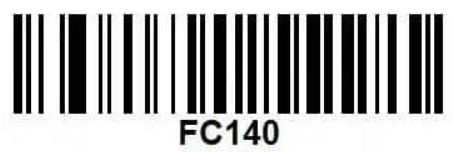
Scan to enable UPC-E scanning:

2. Transmit / Not transmit system code
Scan to transmit system code:

Scan to NOT transmit system code: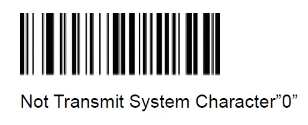
You can prevent double scanning of same barcode by applying a delay of 500ms on same barcode scanned.
Download the following file and scan the sequence of barcodes in it.
Scan this code to improve colored barcode scanning capability.

Scan to enable scanning of QR code that shows URL: